Uniting Disconnected AI Agents: A Step-by-Step Guide to Multi-Agent Collaboration
Overview
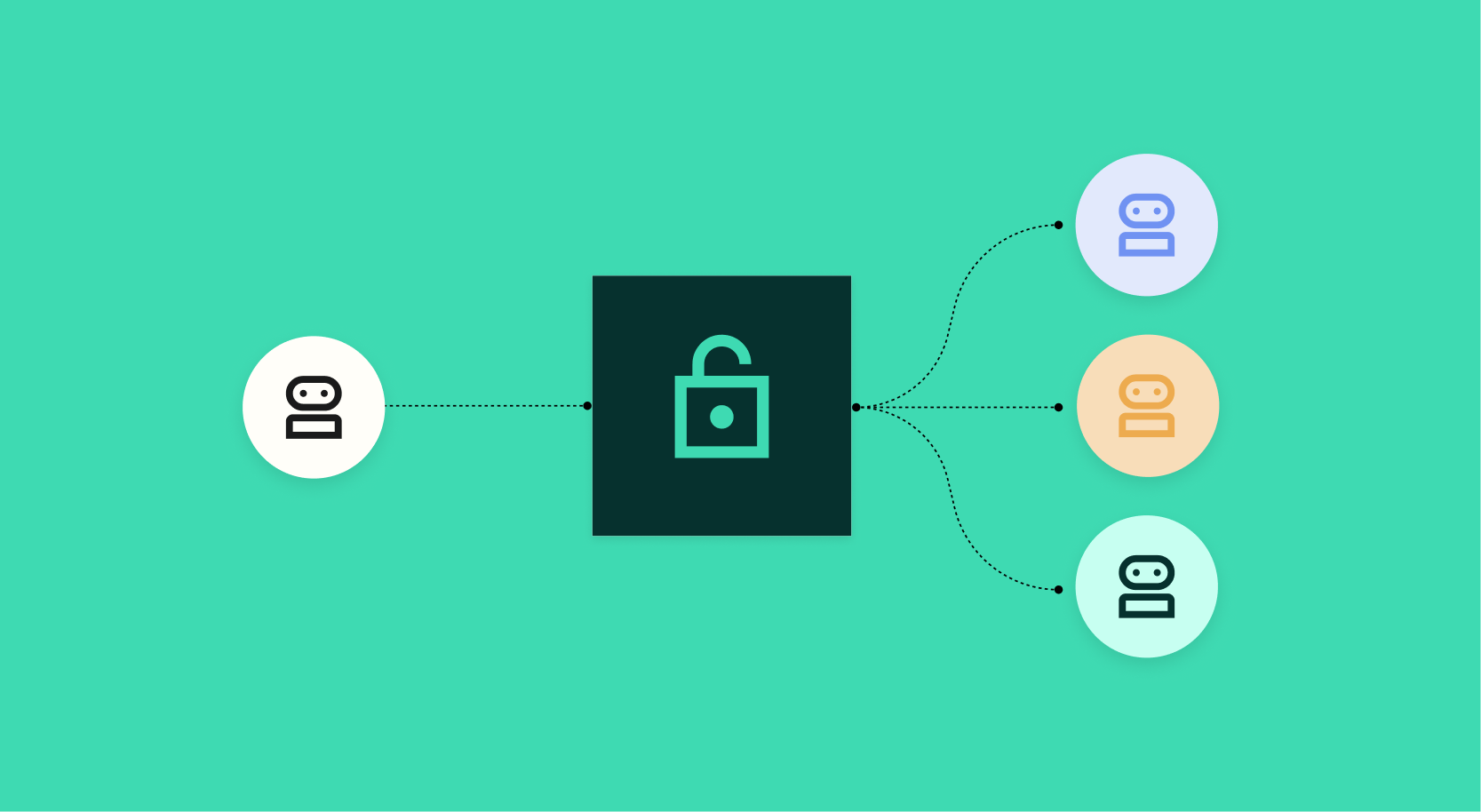
Imagine your supply chain AI agent holds the latest forecast data, while a separate weather AI agent knows how a Florida hurricane affected raw material lead times. But they never talk—so when a human asks, “What’s the impact on Southeast inventory this quarter?” neither can answer alone. This guide shows you how to break down silos between AI agents using a lightweight orchestration framework. You’ll learn to design a simple “meet-and-greet” system where agents share context, ask follow-ups, and produce combined insights—transforming isolated tools into a virtual brain trust.
Prerequisites
- Python 3.8+ installed on your local machine or cloud environment
- Basic familiarity with REST APIs and JSON
- API keys for any external services you plan to connect (e.g., Weatherstack for weather data, a supply chain simulation API like OpenWeatherMap or mock endpoints)
- Clone/download the agent-bridge GitHub repo (optional but recommended)
pip install requests langchain openai(oranthropicif using Claude)
Step-by-Step Instructions
Step 1: Define Agent Personalities and Skills
Each AI agent should know its role, data domain, and output format. Create a dictionary that maps each agent to a description and a function endpoint.
agents = {
    "weather_agent": {
        "description": "Provides historical weather events and forecasts for US regions.",
        "function": get_weather_data
    },
    "supply_chain_agent": {
        "description": "Tracks inventory levels, supplier delays, and forecast changes.",
        "function": get_supply_chain_forecast
    }
}

def get_weather_data(location, date):
    # Call external weather API
    return {"event": "hurricane", "intensity": 4, "affected_region": "Florida"}

def get_supply_chain_forecast(region):
    # Return mock data
    return region + " inventory: 12,000 units, delay risk: high"
Step 2: Create an Orchestrator Prompt
The orchestrator receives the user query and decides which agents to call and in what order. Write a system prompt that tells the large language model (LLM) to treat each agent as a tool.
orchestrator_prompt = """You are a multi-agent coordinator. You have access to the following agents:

{agent_list}

When the user asks a question, determine which agent(s) to query. For each agent, return:
- "agent": "name",
- "input": "the exact question for that agent"

If multiple agents are needed, list them in the order they should be called.
User query: {user_query}
"""
Fill {agent_list} with the descriptions from Step 1. Use an LLM (e.g., GPT-4) to parse the user query and output a JSON array of agent calls.
Step 3: Build the Agent Loop
Create a function that takes the user query, sends it to the orchestrator, gets the ordered list of agent tasks, executes each function sequentially, and collects results. Pass intermediate results back to the orchestrator for context.
def run_agent_loop(user_query):
    # Step 3a: Ask orchestrator which agents to call
    agent_tasks = llm(orchestrator_prompt.format(user_query=user_query))

    results = {}
    for task in agent_tasks:
        agent_func = agents[task["agent"]]["function"]
        # Step 3b: Execute agent function with input
        output = agent_func(**task["input"])
        results[task["agent"]] = output
        # Step 3c: Update orchestrator context with this result
        # (optional - for follow-up questions)

    # Step 3d: Generate final answer using all results
    final_prompt = f"""You are a supply chain analyst. Given the following data:
{json.dumps(results)}
Answer the user's original question: {user_query}
"""
    final_answer = llm(final_prompt)
    return final_answer
Step 4: Add Internal Context Sharing
To make agents truly “meet,” allow the orchestrator to pass outputs of one agent as inputs to another. For example, after getting weather data, the supply chain agent might need the affected_region. Modify the loop to store outputs in a context dictionary and include them in the next agent’s input.
context = {}
for task in agent_tasks:
    # enrich input with relevant context keys
    enriched_input = {**task.get("input", {}), **context}
    output = agent_func(**enriched_input)
    context[task["agent"]] = output
Step 5: Test with Real Queries
Now run the loop with the original question:
user_query = "Severe weather hit Florida last week — what's it going to do to our Southeast forecast this quarter?"
answer = run_agent_loop(user_query)
print(answer)
# Example output: "The Florida hurricane will likely delay shipments by 2 weeks, reducing Southeast inventory by 15% in Q3."
Common Mistakes
- Not handling asynchronous APIs: If agents call external services with latency, wrap them in
asyncioor use threading to avoid blocking. Otherwise the loop becomes slow and times out. - Data format mismatch: Ensure every agent returns structured JSON that the orchestrator can merge. Inconsistent schemas cause the final LLM to hallucinate.
- Ignoring error recovery: One agent failure should not crash the whole pipeline. Implement try/except so the orchestrator can skip failed agents or request retry.
- Overloading context: Feeding every agent output into every other agent creates noise. Be selective: only pass context keys that are relevant to the receiving agent’s purpose.
- Missing privacy/rate limits: When agents call external APIs (e.g., weather), respect rate limits and never expose API keys in client-side code.
Summary
By following this guide, you’ve created a multi-agent system where previously isolated AI agents collaborate through a central orchestrator. The key steps—defining agents, building an orchestrator prompt, executing a sequential loop with context sharing—enable you to answer cross‑domain questions like the Florida weather impact on supply chain. This pattern can be extended to any number of agents, making your AI ecosystem more than the sum of its parts.